Jovaxis
LiDAR reference
Submit a brief
🕐This content was recently imported and its data has not yet been reviewed. It will be verified soon — please excuse any inaccuracies.
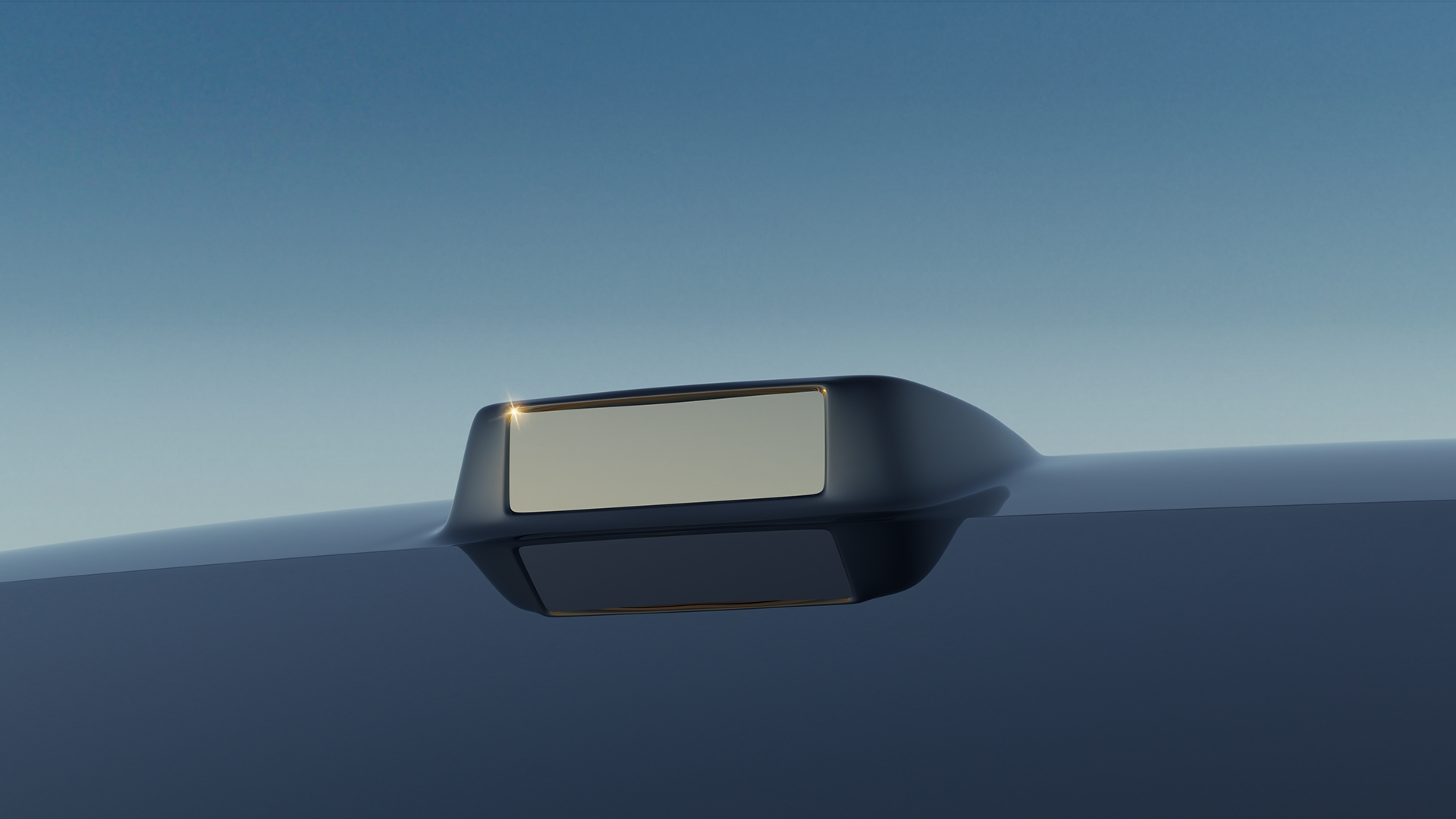
RoboSense M3 — photo 1
RoboSense

M3

Indicative data to verify with manufacturers.

Technology
Semi-solid-state
Wavelength
940 nm
Range
300 m at 10%
Horizontal FoV
120°
Vertical FoV
25°
Channels
500 equivalent beams (manufacturer); not to be equated with 500 physical emitters
Vertical resolution
0.05° in ROI
Horizontal resolution
0.05° in ROI
ROS
Official RoboSense rslidar_sdk: ROS 1/ROS 2; M3 explicitly listed

Relevant applications

Usage note

Partager

FAQ

What is the range of the RoboSense M3?

The stated range is 300 m at 10%. Actual range depends on target reflectivity and environmental conditions.

What is the field of view of the RoboSense M3?

Its stated field of view is 120° horizontal by 25° vertical.

Is the RoboSense M3 compatible with ROS?

Listed support: Official RoboSense rslidar_sdk: ROS 1/ROS 2; M3 explicitly listed. Check the driver version and ROS 2 compatibility before integration.

Similar products

Hesai AT1440
Hesai

AT1440

Range300 m @10% reflectivity
Channels1440 ▲
FoV H120°
FoV V18° ▼
Price4 500 €
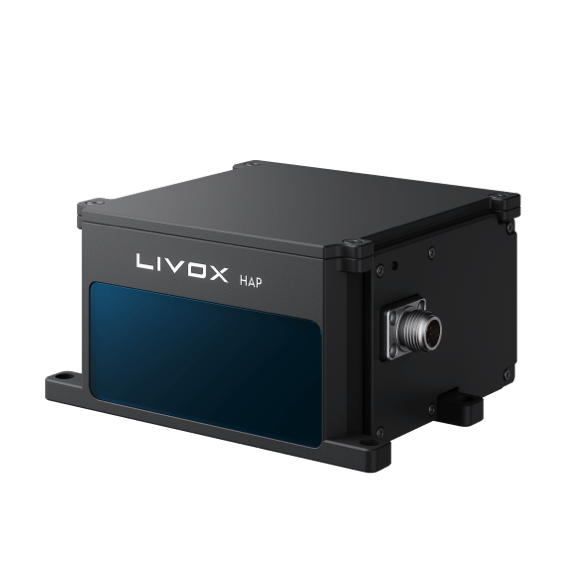
Livox HAP
Livox

HAP

Range150 m @10% ▼
Channels144 lines ▼
FoV H120°
FoV V25°
Price2 800 €
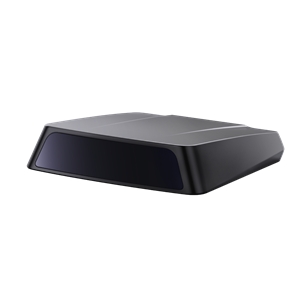
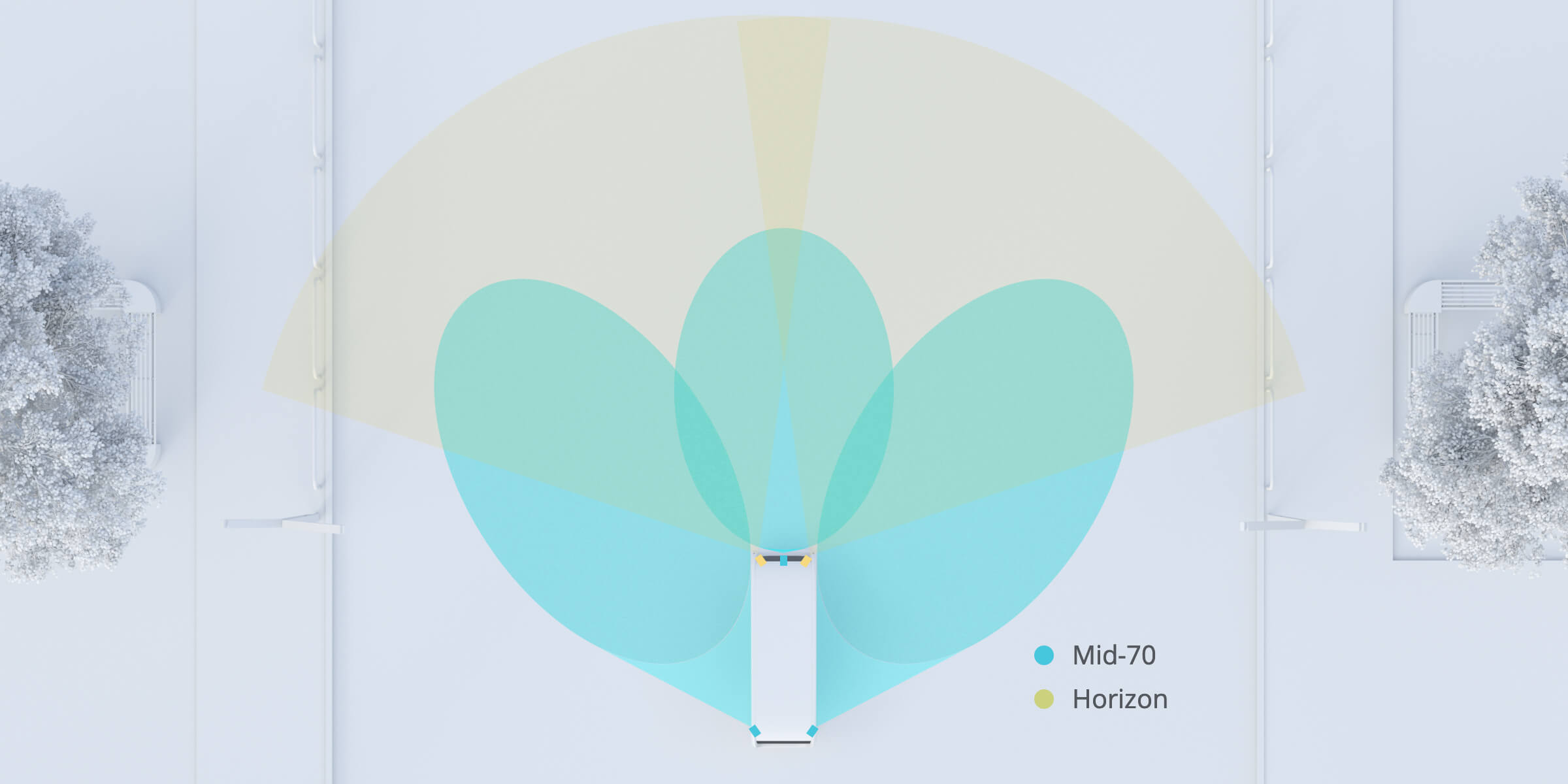
Livox Mid-70
Livox

Mid-70

Range90 m @10% / 260 m @80% ▼
ChannelsNon-repetitive scanning (not a channel count)
FoV H70,4° circulaire ▲
FoV V70,4° circulaire ▲
Price800 €
Cepton Vista-X120 Plus
Cepton

Vista-X120 Plus

RangeUp to 200 m at 10% ▼
Channels—
FoV H120°
FoV V25°
Price5 000 €

❓ Frequently asked questions

What is the field of view of the RoboSense M3?

A solid-state LiDAR usually covers a directional area rather than a full 360° panorama. Check the RoboSense M3 specifications for its horizontal and vertical angles to determine how many sensors are required.

Does the RoboSense M3 support ROS?

ROS compatibility depends on the drivers published by RoboSense. Check which ROS or ROS 2 release is supported, the point cloud format and the host architecture before integration.

Which applications is the RoboSense M3 intended for?

The choice depends on the required range, field of view, resolution and operating environment. Compare these characteristics against your robotics, mapping, industrial or mobility project requirements.

What should be checked before integrating the RoboSense M3?

Check the available interfaces, power supply, dimensions, SDK, drivers and data formats. On-site validation is still recommended before any deployment.